

 中文简体
中文简体 English
 Français
 Deutsch
 عربى
عربى
Content
How to Manage Ethernet Patch Cords in High-Density Racks
As more connections are added to a rack, managing Ethernet patch cords becomes a practical challenge. Cables compete for routing space, similar-looking connections become difficult to distinguish, and finding the correct cord during maintenance takes more attention.
For network installers, system integrators, and IT teams, a useful approach is to organize patch cord management around three tasks: routing, identification, and tracing.
The right combination of cable size, connector direction, color coding, and tracing features can support these tasks while keeping transmission requirements central to product selection.
1. Route Patch Cords Through Confined Spaces
Good rack cabling starts with the cable path. Before choosing a patch cord, consider the distance between ports, the location of cable managers, and the space available around the equipment.
Select a length that follows the planned route without pulling on the connectors or leaving excessive slack across the rack face. Keep release tabs accessible so individual connections can be serviced.
Slim and Flexible Patch Cords
Slim patch cords occupy less space than larger-diameter cords, helping reduce cable bulk in crowded pathways. Flexible patch cords can make routing around equipment and cable managers easier.
However, slim construction and flexibility are different characteristics. Check both cable diameter and the relevant product specifications rather than assuming every thin cable behaves the same way.
Selection should also account for cable category, conductor size, channel length, shielding, and any PoE requirements. Reduced-diameter cords may have different channel-length and bundling limits, so follow the specifications for the selected model.
Angled and Rotatable Connectors
When the preferred cable path turns immediately beside a port, a suitable angled connector can provide a more convenient exit direction.
A 90° patch cord provides a fixed routing direction, while a 180° rotatable design offers directional adjustment within its designed range. These options can help align the cord with the intended pathway.
Check the connector's clearance against adjacent ports and equipment surfaces before installation. Follow the product's adjustment instructions and cable bend-radius requirements; directional features do not remove the need to support the cable properly.
2. Identify Connections with Consistent Color Coding
In a densely populated rack, cable color alone may not provide enough information. A consistent identification scheme helps technicians distinguish connection groups before inspecting individual labels.
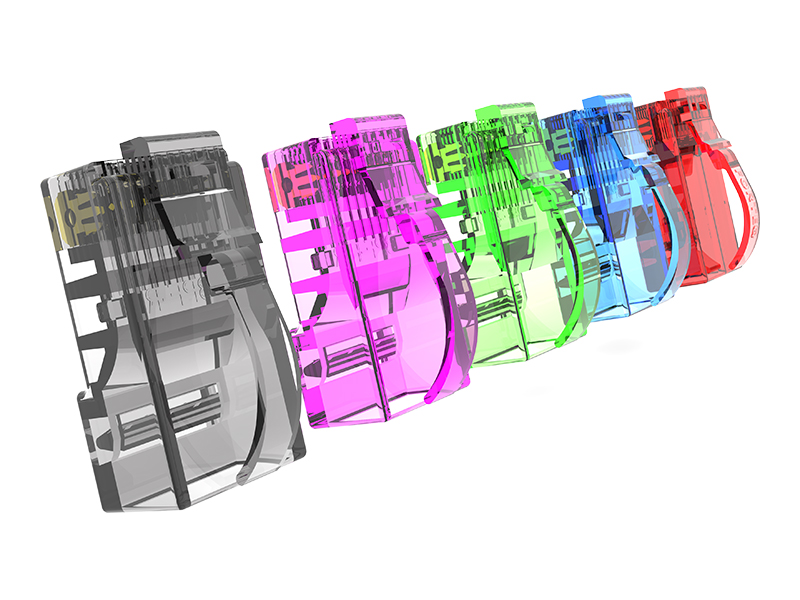
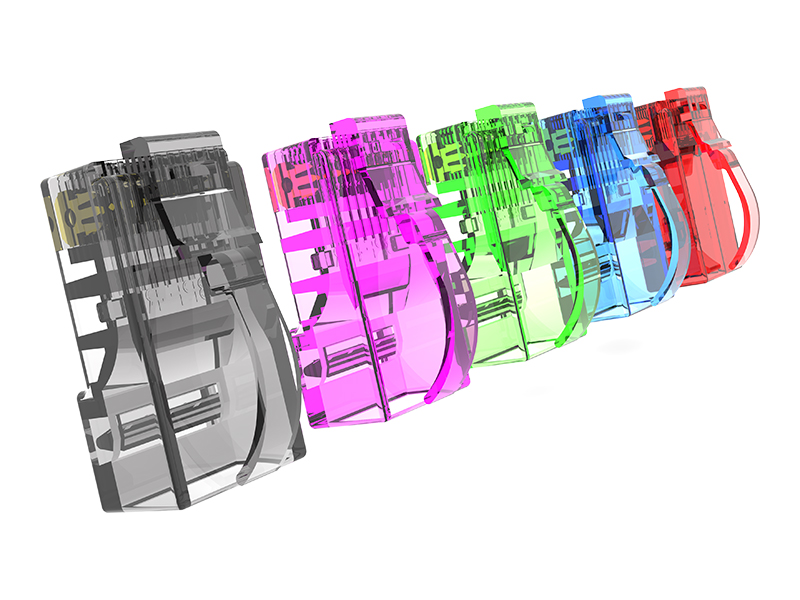
Color-coded clips provide a visible identifier at the connector. They can be useful when a project uses a common cable jacket color but needs to distinguish different connection purposes.
For example, a site might assign blue clips to one network group, yellow to another, and green to management connections. These assignments are project-specific, rather than universal meanings for those colors.
Document the chosen scheme and apply it consistently across the installation. Use color coding alongside unique cable labels, port identifiers, and connection records. A color identifies a group; a label identifies the specific link.
Leave the clip visible and confirm that it does not obstruct connector release or neighboring ports.
3. Trace the Correct Cord with LED Indicators
Identifying a connection group is only part of maintenance. Technicians may still need to find the corresponding end of one particular patch cord.
Ningbo EXW's LED traceable patch cord provides a button-operated identification feature: pressing the button at either end causes both ends of that patch cord to illuminate.
This gives technicians a visual way to locate the matching connector among nearby cords.
A practical workflow is to press the button on the cord being checked, locate the illuminated connector at the other end, and compare its cable label and port information with the connection record before making changes.
The illumination identifies the cord's two ends. It should not be interpreted as confirmation of Ethernet link status, traffic activity, or transmission performance.
For useful visibility, keep the indicator area accessible when routing the cables. Avoid hiding it behind dense bundles or cable-management covers.
4. Match Patch Cord Features to the Rack Task
Different management challenges call for different features. Start with the task, then confirm that the selected patch cord meets the electrical and mechanical requirements of the installation.
| Rack requirement | Feature to consider | Selection check |
|---|---|---|
| Reduce cable bulk | Slim patch cord | Diameter, channel length, and applicable PoE limits |
| Route around equipment | Flexible patch cord | Bend radius and connector strain |
| Follow a fixed exit direction | 90° angled connector | Orientation and neighboring-port clearance |
| Adjust the exit direction | 180° rotatable connector | Adjustment range and release-tab access |
| Distinguish connection groups | Color-coded clips | Consistent color scheme and cable labels |
| Locate the matching cord end | LED traceable patch cord | Button access and indicator visibility |
These features can be selected across different connection groups. They do not necessarily need to appear together in a single patch cord.
5. Keep the Rack Ready for Maintenance and Expansion
Patch cord features work best within an organized installation. Use cable managers to support routing, preserve access to connectors, and leave suitable space for planned additions.
Keep connection records current when cables are added, moved, or replaced. Verify installed cabling using the appropriate testing method for the project.
Transmission category remains an essential part of selection, but daily usability also depends on whether technicians can route, identify, and trace each connection clearly.
Patch Cord Management Options from Ningbo EXW
Ningbo EXW offers slim and flexible patch cords, angled and rotatable designs, color-coded clip options, and LED traceable patch cords for different installation needs.
For OEM/ODM projects, share your required cable category, length, routing direction, identification scheme, and application conditions with our team.
Contact Ningbo EXW to discuss patch cord options for your high-density rack cabling project.