


 中文简体
中文简体 English
 Français
 Deutsch
 عربى
عربىDoes Cat8 Really Support 40Gbps? What the Standards and Tests Actually Show
Home / News / Industry News / Does Cat8 Really Support 40Gbps? What the Standards and Tests Actually Show

Does Cat8 Really Support 40Gbps? What the Standards and Tests Actually Show
If you have shopped for a Cat8 Ethernet cable, you have probably seen two numbers repeated everywhere: 40Gbps and 2000MHz.
But does Cat8 really support 40Gbps, or is that simply a marketing claim?
Yes. Cat8 cabling is designed to support 40Gbps Ethernet through 40GBASE-T—but under defined cabling conditions. Category 8 cabling is characterized up to 2000MHz, while 40GBASE-T is specified for balanced twisted-pair cabling over a link segment of up to 30 meters.
However, seeing "Cat8 40Gbps" printed on a cable does not mean that every Cat8 cable will automatically establish a 40Gbps network connection.
Cable length, connectors, termination, channel performance, and the network equipment at both ends all matter.
So, what does the 40Gbps rating really mean—and how can you verify it?
Content
The first thing to understand is that 40Gbps, 2000MHz, and 30 meters describe different aspects of Cat8 performance.
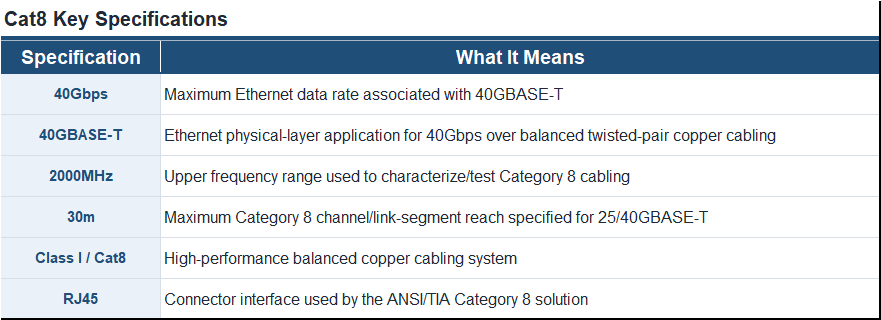
IEEE 802.3bq specifies 25GBASE-T and 40GBASE-T operation over balanced twisted-pair cabling, with a supported link-segment distance of up to 30 meters.
On the cabling side, ANSI/TIA Category 8 and ISO/IEC Class I/Class II cabling systems are designed to support these high-speed Ethernet applications within the applicable 30-meter channel configuration. Category 8 cabling is characterized up to 2GHz (2000MHz).
This is why "40Gbps," "2000MHz," and "30m" are often seen together.
But they are not interchangeable specifications.
This distinction is important because the two numbers are frequently presented side by side in Cat8 product descriptions.
MHz measures frequency. Gbps measures data rate.
A Cat8 cabling system being characterized to 2000MHz does not mean that "2000MHz equals 40Gbps," nor can the two numbers be directly converted using a simple formula.
Instead, think of them this way:
2000MHz describes the frequency range over which the cabling's transmission performance must be controlled and evaluated.
40Gbps describes the data rate of the 40GBASE-T Ethernet application operating over a suitable cabling channel.
At high frequencies, maintaining signal integrity becomes increasingly challenging. Parameters such as insertion loss, return loss, near-end crosstalk (NEXT), and far-end crosstalk-related performance therefore become important.
That is why verifying Cat8 performance involves considerably more than checking the number printed on the cable jacket.
For 25GBASE-T and 40GBASE-T applications, Category 8 cabling is designed around a maximum 30-meter channel. In a standards-based structured cabling configuration, the maximum permanent link is 24 meters, with the remaining channel length allocated to cords and connections.
However, the 30-meter limit refers to the complete cabling channel—not necessarily the length of an individual Cat8 patch cord.
A typical two-connector channel can therefore be illustrated as:
Equipment                                      Equipment    |                                               |
Patch Cord —— Permanent Link / Cabling —— Patch Cord
   |<-------------- up to 30 m ----------------->|
This 30m limitation is a major difference between Cat8 and categories such as Cat6A.
For comparison, Cat6A is designed around a 100m channel for 10GBASE-T and is field tested up to 500MHz. Category 8 increases the test frequency to 2000MHz but reduces the maximum channel length to 30m when supporting 25Gbps and 40Gbps.
It would be inaccurate to say that the cable suddenly stops transmitting data at 30.1 meters.
Instead, the important point is:
30 meters is the standards-defined reach for Category 8 cabling supporting 25GBASE-T/40GBASE-T.
Beyond that distance, you should not assume standards-compliant 40GBASE-T performance simply because the cable is labeled Cat8.
Interestingly, Category 8 cabling can still support lower Ethernet data rates over longer channel configurations; Fluke, for example, notes support for 10Gbps and lower at a full 100m channel configuration.
This is where the difference between a speed claim and verified cabling performance becomes important.
A Cat8 label alone tells you very little about how the complete installed channel performs.
Proper verification should consider the cable, connecting hardware, termination, length, and electrical transmission characteristics together.
Category 8 field testing extends from 1MHz to 2000MHz, compared with up to 500MHz for Category 6A.
Testing across this range helps determine whether the channel remains within the applicable performance limits as frequency increases.
Simply stating "2000MHz" on a product specification is not equivalent to demonstrating compliance through testing.
Another important point is that Ethernet transmission does not occur through a piece of bulk cable in isolation.
The signal travels through a system that may include:
patch cord → connector → horizontal cable → connector → patch cord
Every component and termination can affect overall transmission performance.
For example, a GHMT Type Approval obtained for our Cat8 system evaluated a 30m, two-connector copper Class I channel up to 2GHz according to ISO/IEC 11801-1.
The evaluated system included Cat8 S/FTP solid cable, a Cat8 patch cord with a Cat8 field termination plug, and a Cat8 keystone jack. The submitted channel met the applicable limits.
This illustrates an important principle:
40Gbps capability should be considered at the channel level, not merely as a number printed on an individual cable.
To see what Cat8 verification looks like in practice, consider one of our recent Cat8 channel test results.
A Cat8 S/FTP channel measuring 85 ft (approximately 25.9m) was tested using a Fluke Networks DSX-8000 CableAnalyzer.
The test configuration used:
The report evaluated multiple transmission parameters, including:
The insertion-loss result, for example, was evaluated close to the upper Cat8 frequency range at 1966MHz, while ACR-F and PS ACR-F results included measurements at 2000MHz.
Most importantly for the question addressed in this article, the Fluke report lists both 25GBASE-T and 40GBASE-T among the compliant network standards for the tested channel.
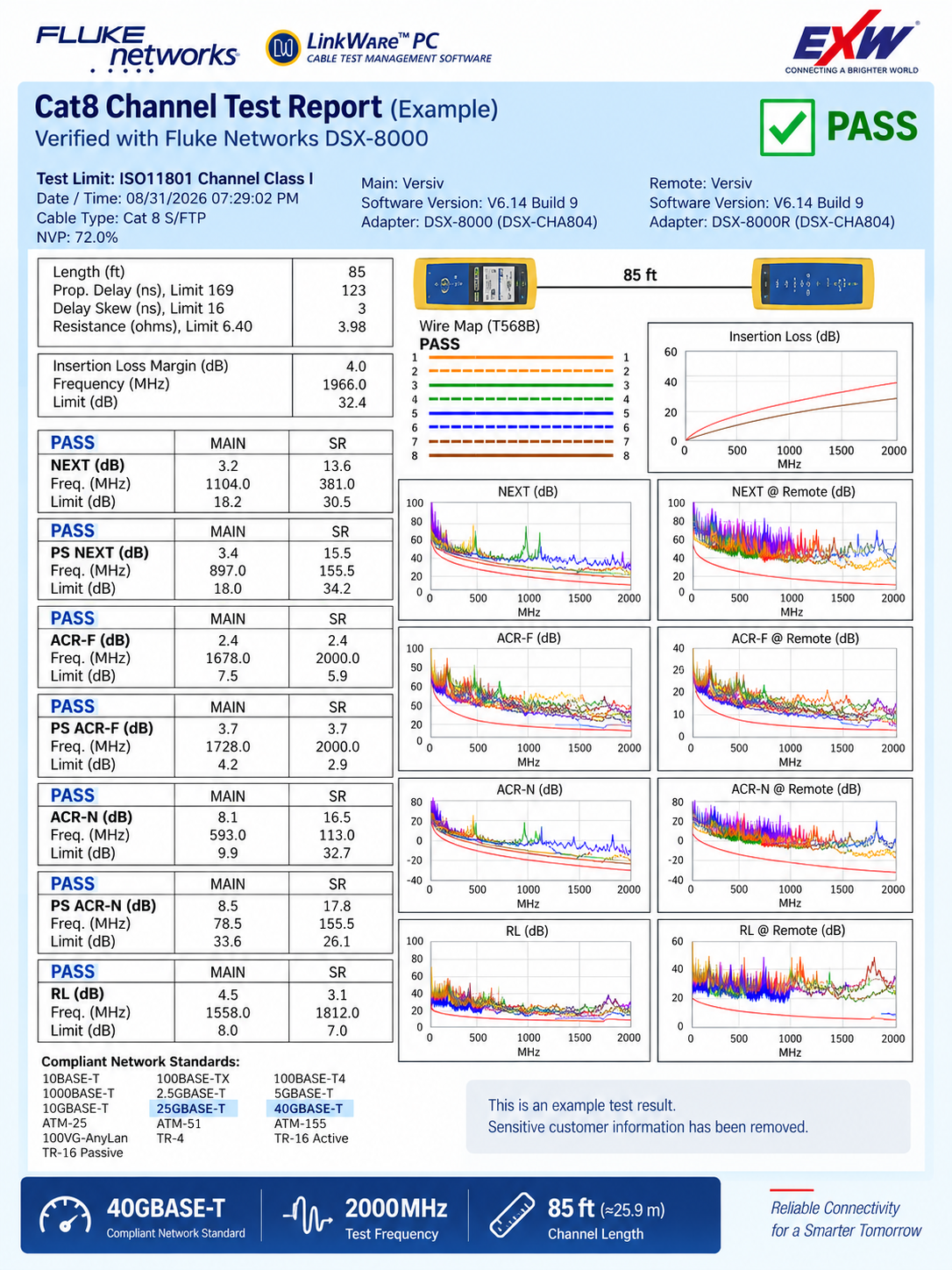
This is much stronger evidence than simply putting "40Gbps" on a product page.
But there is an important distinction.
No—and the difference matters.
A Fluke Cat8 certification test evaluates the physical cabling channel against defined transmission-performance limits.
It does not generate normal Ethernet traffic and report application throughput in the same way that a traffic generator or network performance test would.
These are two different questions.
A Cat8 certification tester evaluates parameters such as insertion loss, NEXT, ACR-F, return loss, propagation delay, resistance, and other characteristics against the selected Cat8/Class I limits.
Our 85 ft channel passed the ISO11801 Channel Class I test limit, and the Fluke report lists 40GBASE-T as a compliant network standard.
That depends on more than the cable.
You also need compatible active equipment, including 40GBASE-T-capable PHYs/interfaces at both ends.
Conceptually:
Cat8 Cabling
     ↓
Class I / Cat8 Channel Compliance
     ↓
40GBASE-T-Capable Network Equipment
     ↓
40Gbps Ethernet Link
Therefore, cabling compliance supports the application—it does not by itself prove measured end-to-end network throughput.
This distinction is useful when evaluating any "40Gbps Cat8" claim.
Cat8 achieves its high-frequency performance through more demanding cabling design and transmission requirements.
One major feature is shielding.
Our Cat8 patch cable, for example, uses an S/FTP construction.
In an S/FTP cable:
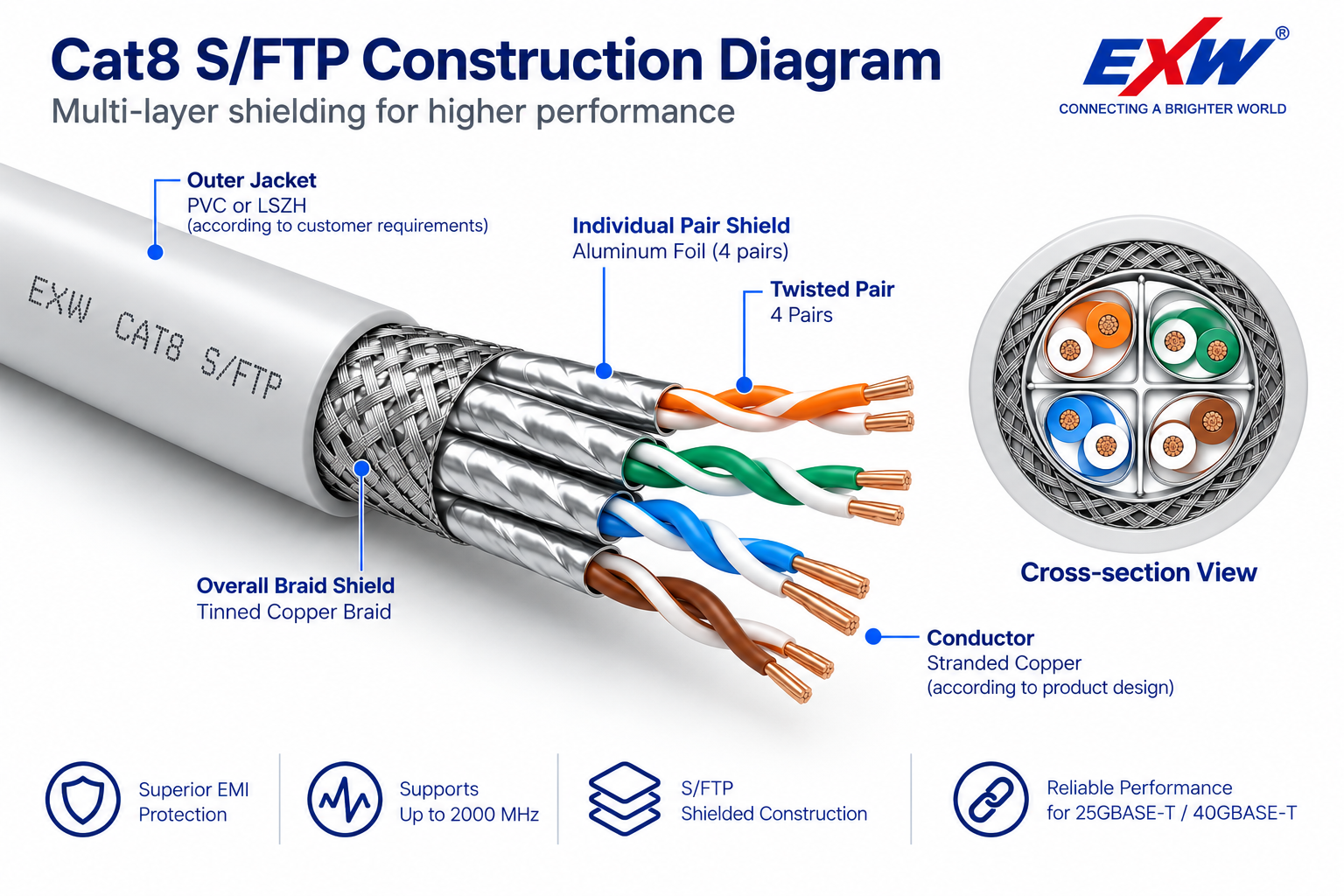
This becomes increasingly important as operating frequencies rise.
At up to 2000MHz, controlling unwanted coupling between pairs and maintaining appropriate insertion loss and return loss performance is significantly more demanding than at the frequency range used for lower-category cabling.
This also explains why a Cat8 cable is more than simply "a thicker Ethernet cable."
The complete cable geometry, conductor characteristics, shielding, connectors, and termination quality contribute to whether the channel meets Category 8 transmission requirements.
No.
This is another common misunderstanding.
Suppose you have:
1GbE Router
     ↓
Cat8 Cable
     ↓
1GbE Network Port
Installing Cat8 between these two devices does not turn the connection into 40Gbps.
The link will still be constrained by the capabilities of the active network equipment.
The same principle applies to an Internet connection. Replacing a suitable Cat6 or Cat6A cable with Cat8 will not turn a 1Gbps Internet service into a 40Gbps Internet service.
Cat8 provides cabling capability. It does not create bandwidth that your switch, server, network adapter, or Internet service does not provide.
If Cat8 can support 40Gbps, does that mean everyone should replace Cat6A with Cat8?
Not necessarily.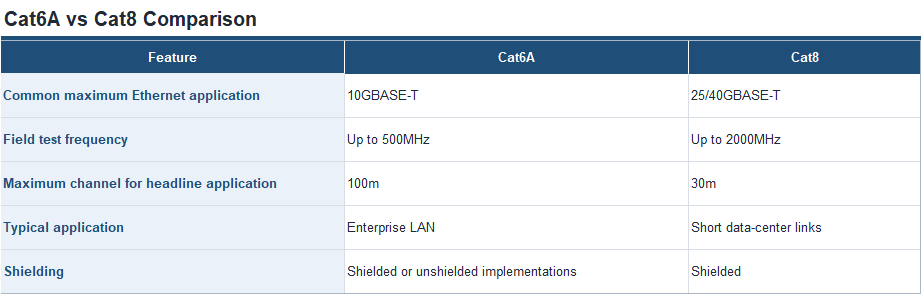
Category 8 was developed primarily for short high-speed copper connections in data centers, particularly server-to-switch connections.
For a normal office network that needs 10Gbps over distances approaching 100m, Cat6A may be the more appropriate solution.
Cat8 becomes more relevant when the application requires 25GBASE-T or 40GBASE-T over a short balanced-copper channel, or when infrastructure is being designed specifically around Category 8 requirements.
In other words:
Higher category does not automatically mean better for every network. The right cable depends on the application, distance, equipment, and performance requirement.
If you are evaluating Cat8 cabling for a high-speed application, do not rely on the "40Gbps" marking alone.
Check whether the supplier can provide evidence for the underlying cabling performance.
Some useful questions include:
A manufacturer that can answer these questions with test data gives you considerably more information than one that simply prints "40Gbps / 2000MHz" on the packaging.
Yes. Cat8 really does support 40Gbps—but the statement needs context.
40GBASE-T is a standards-based Ethernet application for operation over suitable balanced twisted-pair cabling, with Category 8/Class I/Class II cabling associated with a 30m supported link-segment distance. Category 8 cabling is characterized and field tested up to 2000MHz.
But that does not mean every product carrying a Cat8 label is automatically guaranteed to provide a 40Gbps network connection.
The better question is:
Can the complete Cat8 channel meet the required transmission performance across the specified frequency range and distance?
In our 85 ft (approximately 25.9m) Cat8 S/FTP channel example, a Fluke DSX-8000 test showed a PASS against the ISO11801 Channel Class I limit, with testing extending to 2000MHz and 40GBASE-T listed among the compliant network standards.
That is the difference between simply claiming 40Gbps and providing evidence that the cabling channel is qualified to support the application.
Yes. Category 8 cabling is designed to support 25GBASE-T and 40GBASE-T applications over a maximum 30m channel. Cat8 cabling is characterized up to 2000MHz.
For 25/40Gbps applications, Category 8 has a maximum 30m channel and 24m permanent link.
No. MHz describes frequency, while Gbps describes data rate. Cat8 cabling is characterized up to 2000MHz to provide the transmission performance required for high-speed Ethernet applications such as 25GBASE-T and 40GBASE-T.
You should not assume standards-compliant 40GBASE-T operation over a 100m Cat8 channel. The standards-defined Category 8 reach for 25/40Gbps applications is 30m. Category 8 may support 10Gbps and lower applications over longer channel configurations up to 100m.
Not by itself. Your actual network or Internet speed is limited by your network equipment, Ethernet interfaces, service bandwidth, and other system components. A Cat8 cable does not turn a 1Gbps network port into a 40Gbps port.
Cat8 provides higher-frequency performance and supports 25/40GBASE-T over short channels, while Cat6A supports 10GBASE-T over channels up to 100m. For many enterprise LAN installations, Cat6A is sufficient; Cat8 is primarily suited to short high-speed copper links such as those used in data-center environments.
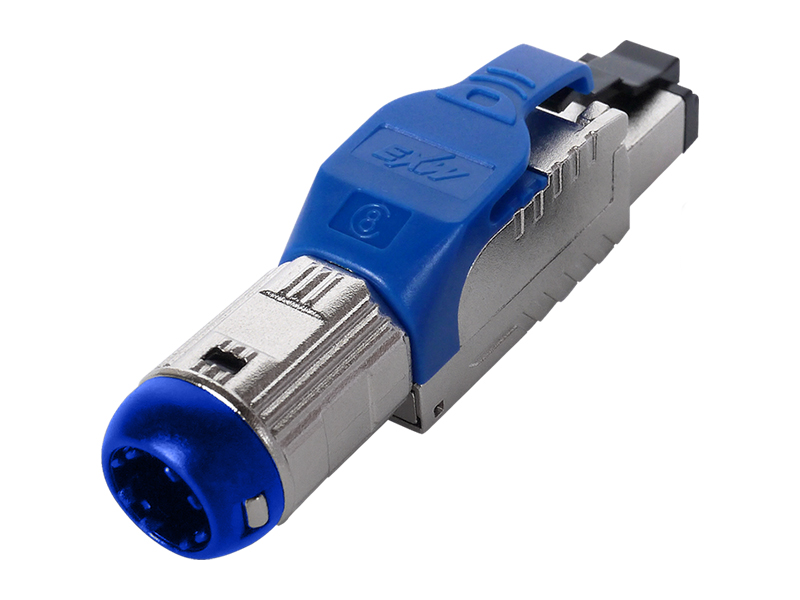
Cat.8 Field Termination Plug | GHMT Certified RJ45 Connector for 40G Ethernet Cabling
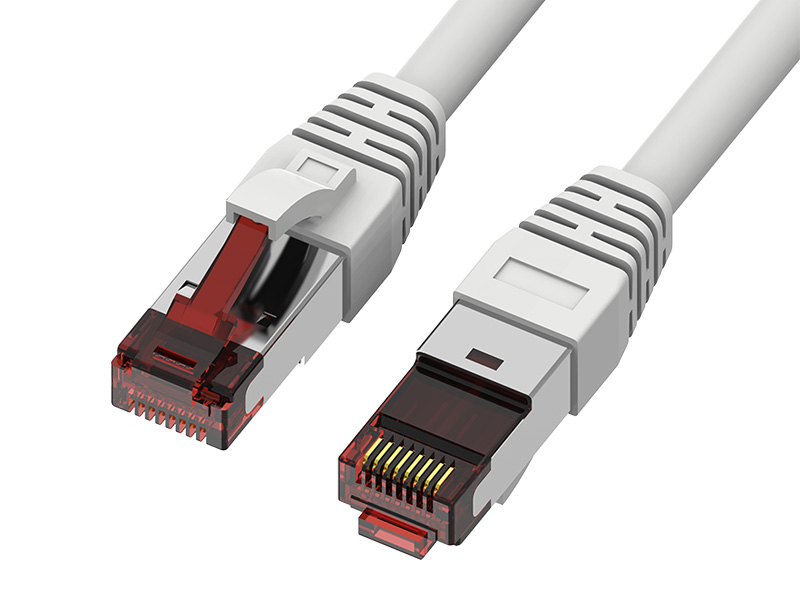
Cat.6A S/FTP Patch Cord | Fluke Tested 10G Shielded RJ45 Ethernet Cable
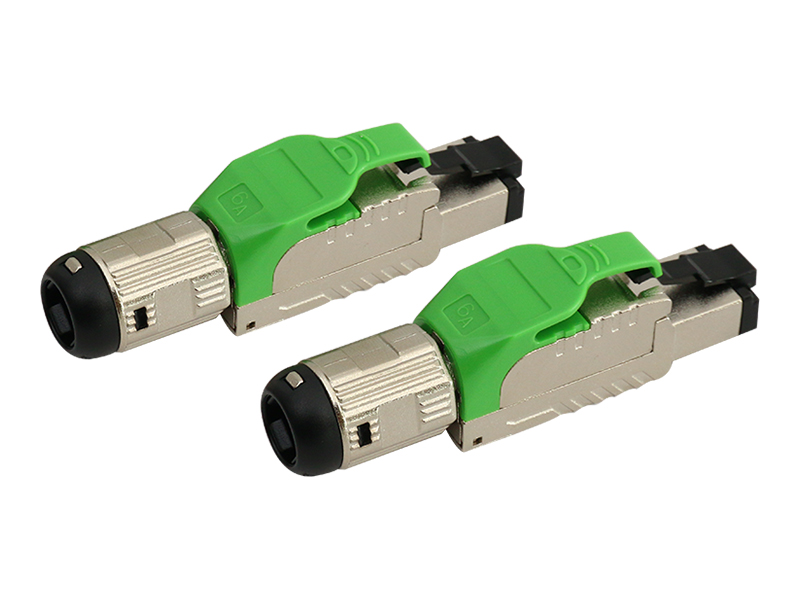
Cat.6A Field Termination Plug | Shielded RJ45 Connector for 10G Ethernet & 4PPoE Cabling
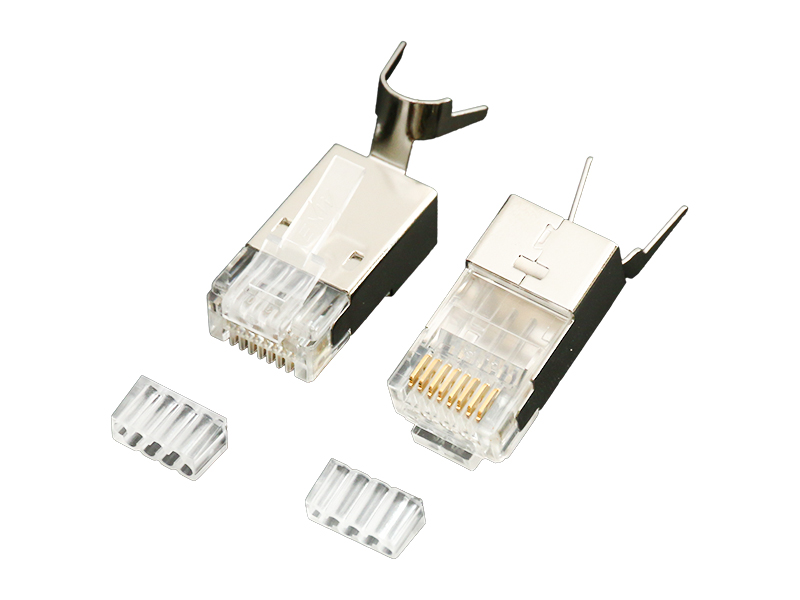
Fat OD Modular Plug | RJ45 Connector for Large Diameter Ethernet Cable Applications
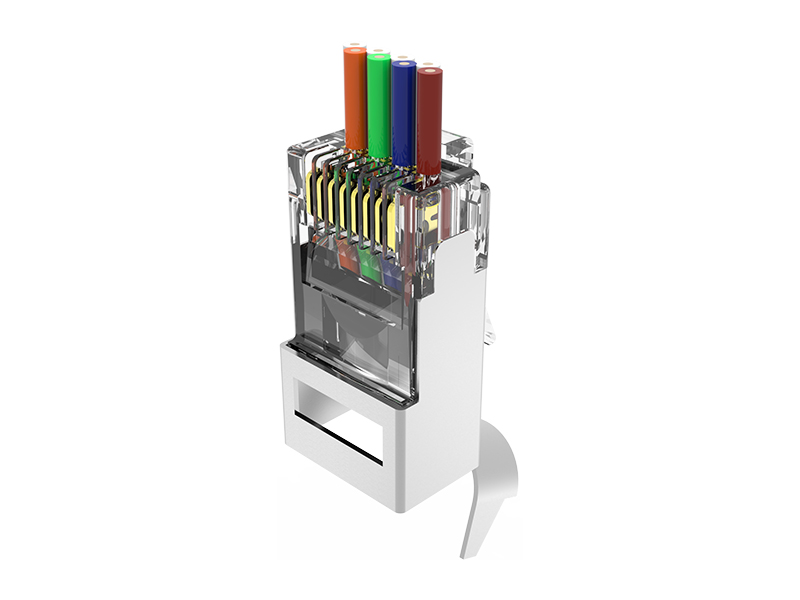
Fat OD Pass-Through Plug | RJ45 Connector for Large Diameter Ethernet Cable Applications
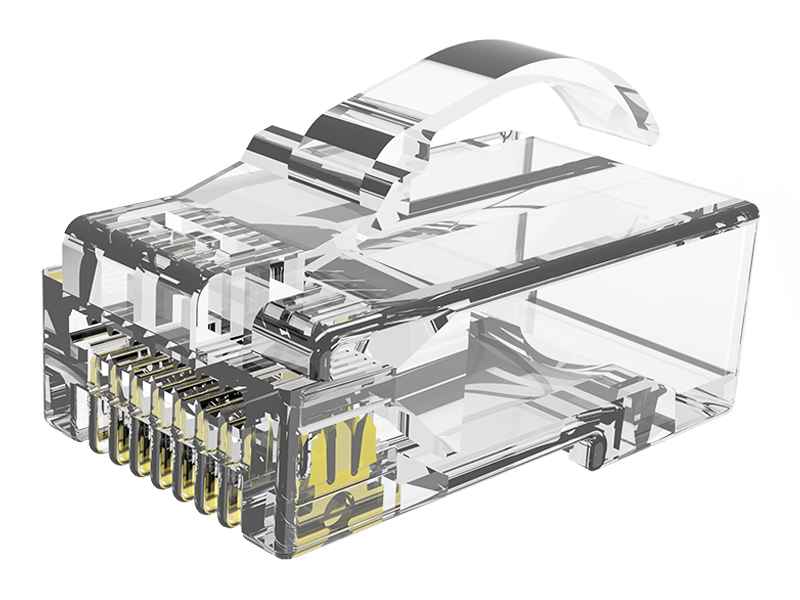
Cat.5E UTP Arch Latch Modular Plug | RJ45 8P8C Connector for Ethernet Cabling
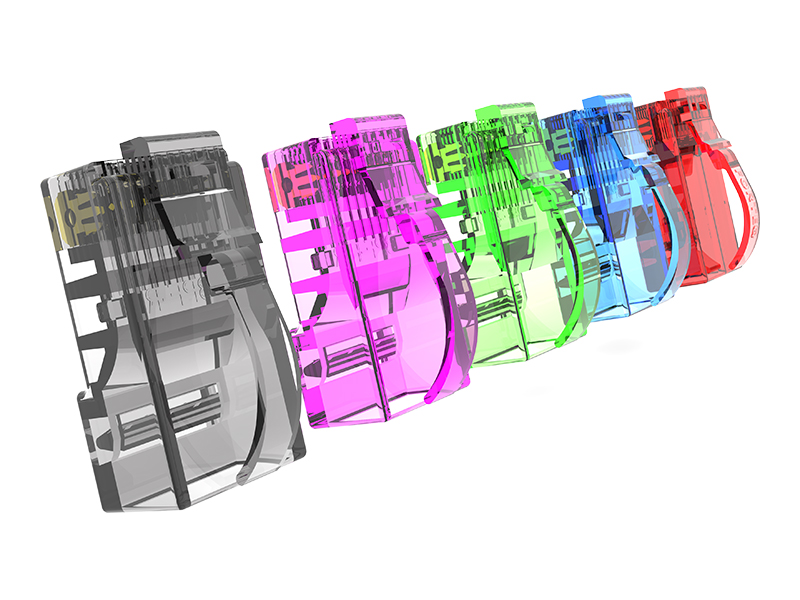
Cat.5E STP Arch Latch Modular Plug | Shielded RJ45 8P8C Connector for Ethernet Cabling
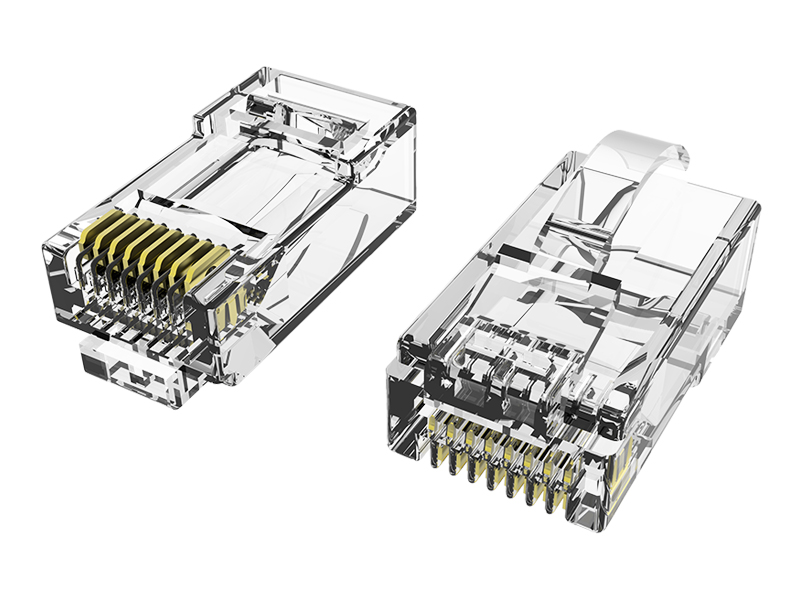
Cat.6 UTP Arch Latch Modular Plug | RJ45 8P8C Connector for Ethernet Cabling
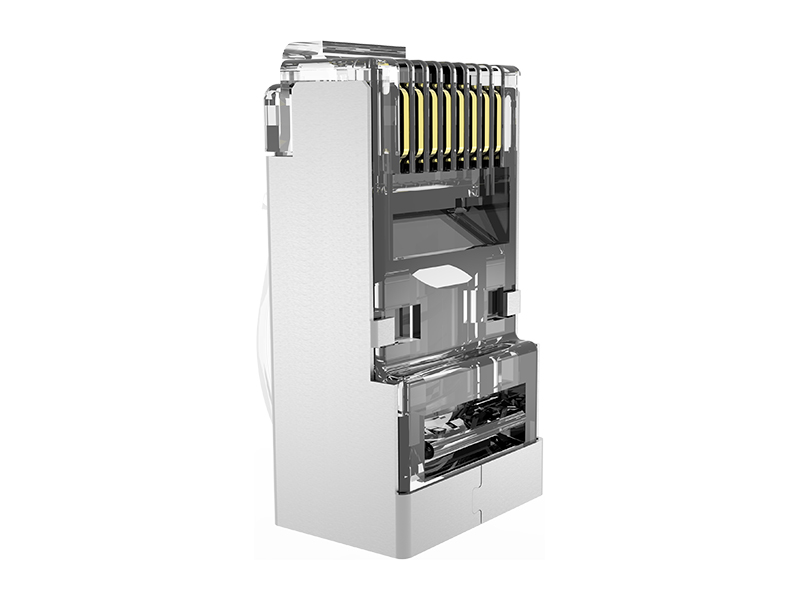
Cat.6 STP Arch Latch Modular Plug | Shielded RJ45 8P8C Connector for Ethernet Cabling
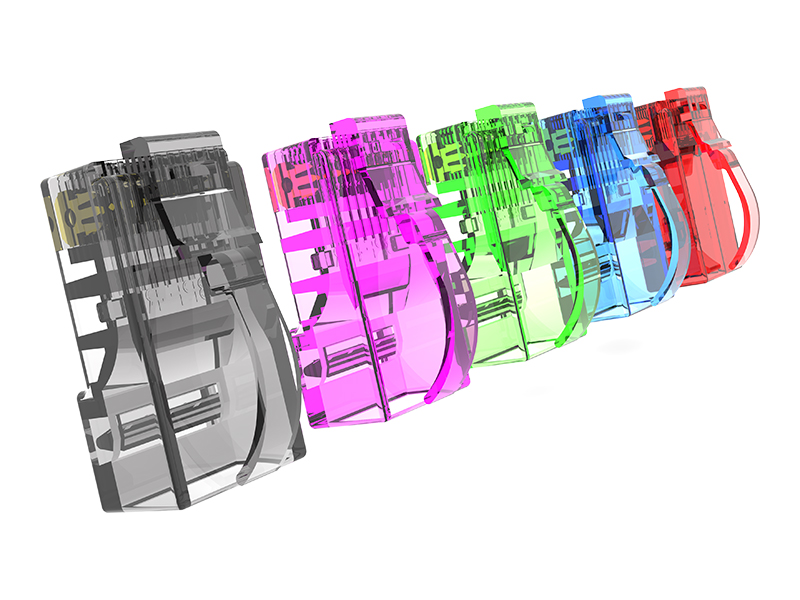
Cat.6A UTP Arch Latch Modular Plug | RJ45 8P8C Connector for 10G Ethernet Cabling
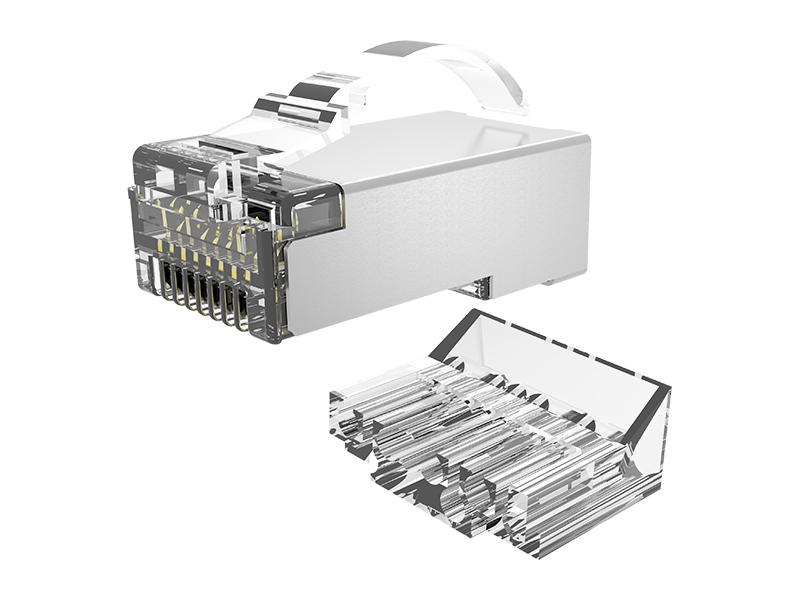
Cat.6A STP Arch Latch Connector | Shielded RJ45 8P8C Connector for 10G Ethernet Cabling
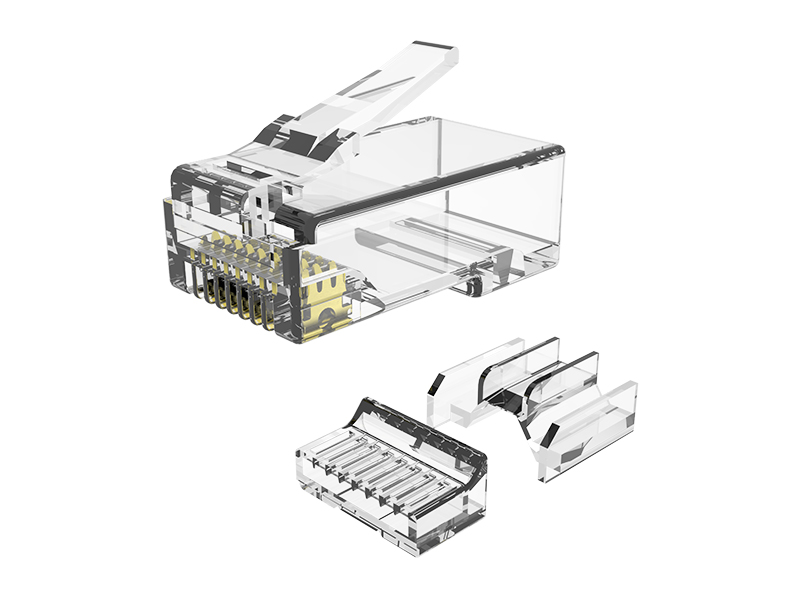
Cat.6A UTP 3R Modular Plug | RJ45 8P8C Connector for 10G Ethernet Cabling

 No. 651, Hengshanxi Road, Beilun, Ningbo, Zhejiang Province, China
 sales@nbexw.com
 +86-574-86868738
 +86 138 5828 0875